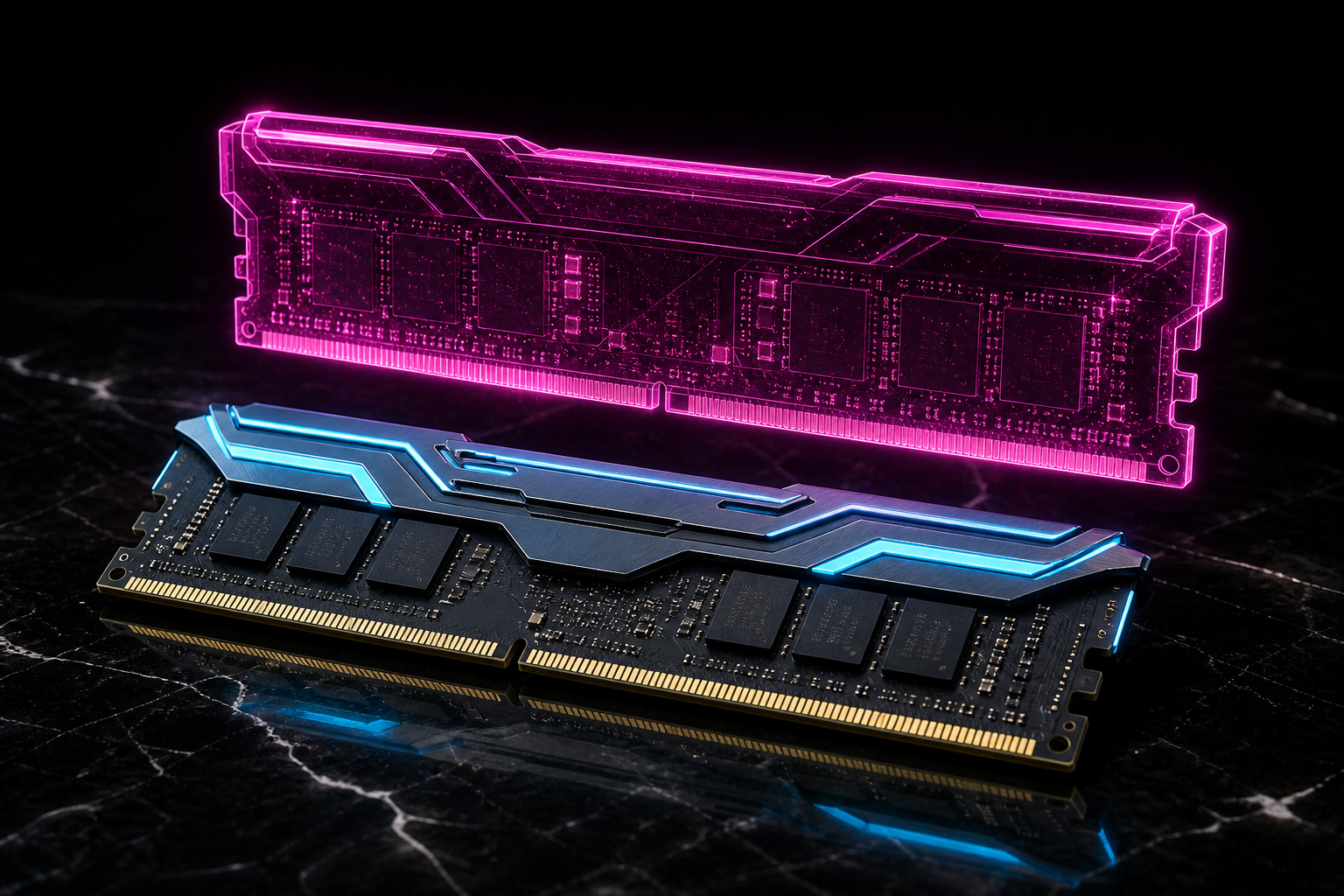
Trying to decide between DDR6 vs DDR5? Buy DDR5. You can't actually buy DDR6 yet.
As of mid-2026, DDR6 has no ratified JEDEC standard. (JEDEC is the group that sets memory rules.) It has no consumer modules for sale. And it has no CPU or motherboard to run on.
Every DDR6 number below is just a projection. And the sources don't even agree on them.
So this changes the question. You're not comparing two RAM sticks on a shelf.
You're comparing the only option you can buy now against a whole new platform. That future platform brings a new memory controller, a new CPU, and a new board: all at once. They're projected to arrive around 2027–2028.
For any build or upgrade in the next year or two, DDR5 wins by default. That's because DDR6 simply isn't an option yet.
DDR6 mainly matters later. And it mainly helps bandwidth-hungry work like AI, servers, and integrated graphics: not typical gaming on a separate graphics card, or everyday use.
PC Bottleneck Calculator
—
This is a directional estimate, not a precise percentage. It's an approximate, relative-tier read — real bottlenecks swing with the specific game, settings, drivers, frame cap and background load. Treat it as a starting point for where to spend, not a benchmark.
What DDR5 and DDR6 Are
DDR5 is the fifth generation of double data rate system memory (SDRAM). It's been standard on home PCs since late 2021.
DDR6 is its planned replacement. JEDEC, the group that approves memory specs, is still drafting it. There's no final DDR6 spec today, and no consumer DDR6 product for sale.
One quick note. System DDR6 is not the same as GDDR6.
GDDR6 is graphics memory. It's already soldered onto many graphics cards, and it's a separate standard that has shipped for years. People often mix up the two, but they are not interchangeable.
DDR5 vs DDR6 at a Glance
DDR5 is mature and easy to buy. DDR6 is just a projected standard with no hardware yet. Everything in the DDR6 column below is temporary until JEDEC approves the final spec.
| Dimension | DDR5 (buy now) | DDR6 (projected)* |
|---|---|---|
| Status | Mainstream, mature | In JEDEC development |
| Consumer availability | Late 2021 | ~2027–2028 |
| Base speed | 4,800 MT/s | ~8,800–12,800 MT/s |
| Peak speed | 8,400–9,000+ MT/s | 17,600+ MT/s (roadmap ~21,000) |
| Voltage | 1.1V | ~1.0–1.05V |
| Signaling | NRZ | PAM3 (possibly PAM4) |
| Platform | Intel 12th Gen+, Ryzen 7000+ | Future sockets (e.g., AM6) |
| Price/value | Affordable, competitive | Initial premium likely |
*Projections drawn from JEDEC drafts and industry roadmaps; subject to change.
DDR5: The Standard You Can Buy Now
DDR5 is the right memory for any build you make today. It's been the desktop default since Intel's 12th Gen (Alder Lake) and AMD's Ryzen 7000 chips arrived.
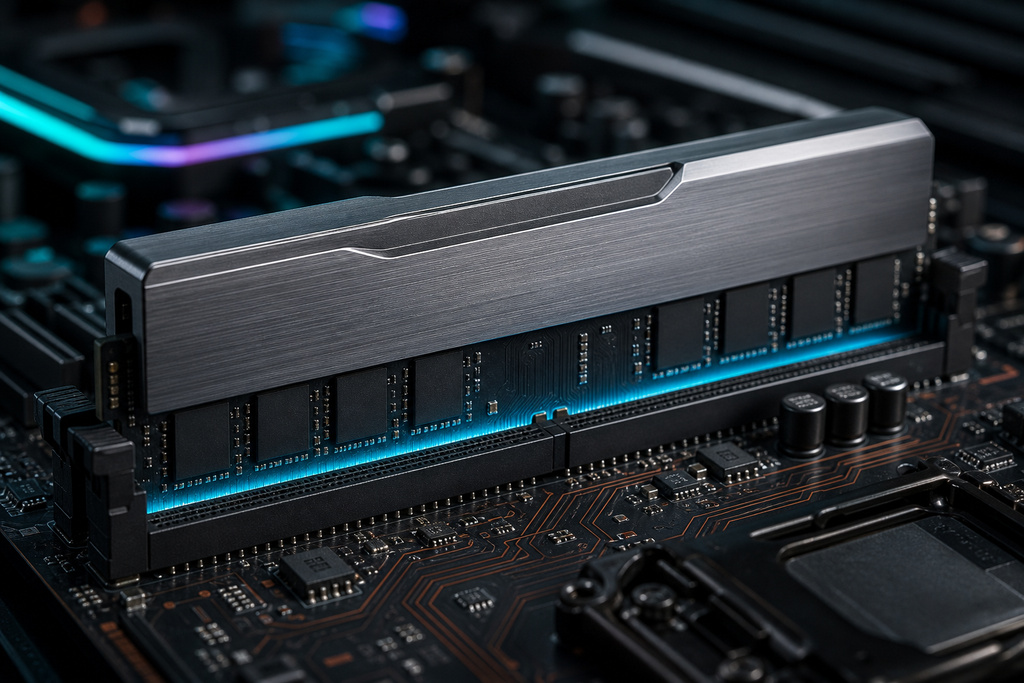
Prices have dropped since launch, and the standard has matured. Base kits run at 4,800 MT/s. Enthusiast overclocked kits reach 8,000–9,000+ MT/s.
Each DIMM (memory stick) splits into two separate 32-bit sub-channels. It also adds on-die error correction code (ECC): error-checking built into the chip. And it carries its own power management chip (PMIC). That's a change from DDR4, which handled power on the motherboard.
For gaming, content creation, and everyday computing, DDR5 has more bandwidth than any of those jobs can currently use.
Pros:
- Available now, mature, and supported by every current Intel and AMD desktop
- Prices have dropped, so you get strong value per gigabyte
- Speeds run from a 4,800 MT/s base up to 9,000+ MT/s overclocked
- Built-in ECC error-checking, an on-module power chip, and two 32-bit sub-channels
- Fast enough for gaming, creation, and office work, with room to spare
Cons:
- Its top bandwidth sits below what AI/ML and integrated graphics will eventually want
- Moving up from DDR4 still needs a new CPU and board: not just a RAM swap
- The fastest kits depend on your CPU's memory controller and board, not just the speed on the box
Verdict: The right choice for anyone building or upgrading a PC now through roughly 2028.
DDR5 — Key Features (Available Now)
JEDEC introduced the DDR5 specification in 2020. So the modules you buy today run on a standard that's had years to settle in silicon.
The split bus also isolates errors. Each 32-bit sub-channel runs its own error-correction code, so a fault on one channel stays contained and doesn't spill into the other.
DDR5 Advantages Today
Two DDR5 wins are easy to miss, because they're already settled.
First, it hit its roadmap. JEDEC's plan called for DDR to scale to 8 GHz, and DDR5 got there on schedule. Its fastest kits now clear that mark the standard spent years working toward.
Second, the generational leap is banked, not pending. DDR5's peak data rate more than doubled DDR4's — a gain you own the moment you buy in, with nothing left to wait for.
DDR6: The Next Platform, Not a RAM Upgrade
DDR6 is a future leap, not a stick you drop into today's board.
Draft targets point to roughly double DDR5's bandwidth. That comes from PAM3 signaling, four sub-channels per module, more bank groups, and a 32n prefetch.
It aims for the same or lower voltage, with better performance per watt. It also adds link ECC: error-checking that protects data as it moves across the bus. Right now that feature is only in server memory.
All of this arrives on new CPUs and new motherboards. It's not an in-place memory swap.
Pros:
- Projected to reach roughly 2× DDR5 bandwidth
- PAM3 signaling, four sub-channels, more bank groups, and 32n prefetch
- A lower voltage target and better efficiency per bit
- Link ECC expected, plus higher module capacities
Cons:
- No ratified JEDEC spec yet, so every figure is provisional
- No consumer modules, CPUs, or boards until about 2027–2028
- Not compatible with DDR5 boards — it's a full platform change
- Early high prices and rough firmware are near-certain
- Gains only help bandwidth-bound jobs; gaming and everyday use see little
Verdict: Worth planning for on future bandwidth-heavy builds — AI/ML, servers, integrated graphics. But it's never a reason to delay a PC you need now.
DDR6 — Expected Improvements
Most DDR6 comparisons stop at DDR5. Line it up against DDR4 instead, and the scale is clearer: DDR6's projected data rate is roughly a fourfold jump over that older standard — two full generations of scaling folded into one step.
Full Spec Comparison
Here's the head-to-head on every spec. DDR4 is included for reference, and the DDR6 column is marked as projected.
| Feature | DDR4 (reference) | DDR5 (current) | DDR6 (projected) |
|---|---|---|---|
| Base data rate | 3,200 MT/s | 4,800 MT/s | ~8,800–12,800 MT/s |
| Peak data rate | ~3,200 MT/s | 8,400–9,000+ MT/s | 17,600+ (roadmap ~21,000) |
| Voltage | 1.2V | 1.1V | ~1.0–1.05V |
| Signaling | NRZ | NRZ | PAM3 (possibly PAM4) |
| Sub-channels per DIMM | 1 × 64-bit | 2 × 32-bit | 4 × narrower (most sources 16-bit; one 24-bit) |
| Prefetch / burst | 8n | 16n (BL16) | 32n (expected) |
| Bank groups | — | 4 (16 banks) | 8 (expected) |
| On-die ECC | No | Yes | Enhanced, plus link ECC (expected) |
| PMIC on module | No (on board) | Yes | Advanced (expected) |
| Max capacity | 32GB | 128GB consumer / 256GB server | 256GB+ / 512GB–1TB server (projected) |
The DDR6 rows follow JEDEC drafts. Sources disagree on the sub-channel width and on where base speeds land. Treat them as a direction, not a confirmed spec.
Speed and Bandwidth: What the Numbers Mean
DDR6's big claim is about double the peak bandwidth of DDR5. But bandwidth is not the same as how fast your apps run.
Peak bandwidth is just simple multiplication. A dual-channel DDR5-6400 setup gives:
6,400 MT/s × 8 bytes × 2 channels = 102.4 GB/s
A hypothetical dual-channel DDR6-12,800 setup gives:
12,800 MT/s × 8 bytes × 2 channels = 204.8 GB/s
Twice the number on paper doesn't make programs run twice as fast. That extra throughput only helps if a job is starved for memory bandwidth. Most jobs are not.
By the way, the full 64-bit bus width stays the same across DDR4, DDR5, and DDR6. The gains come from how that bus is split and clocked, not from a wider bus.
Which Workloads Actually Benefit
The extra bandwidth pays off in a small set of jobs. It does almost nothing in the rest.
- Big gains: integrated graphics, AI/ML and large language models, scientific computing, compression, and large databases — the bandwidth-bound cases.
- Small gains: gaming on a separate graphics card, which leans on the card's own memory and rarely needs system memory.
- Tiny gains: everyday browsing and office work, which may feel unchanged.
- A catch: early DDR6 may show equal or higher latency than mature DDR5, which cancels out some of the throughput gain at launch.
Architecture and Signaling
DDR6 hits higher speeds by changing how the bus is organized and signaled. It doesn't just crank up the clock.
It splits each module into four narrower sub-channels, instead of DDR5's two 32-bit ones. It doubles the bank groups, up to eight. And it lifts the prefetch to 32n.
More, smaller channels and more banks let the memory controller handle more read/write jobs at once. That suits CPUs with many cores and integrated GPUs.
The bigger change is signaling. DDR5 uses NRZ (Non-Return-to-Zero), which carries one bit per symbol. DDR6 is expected to use PAM3, which carries about 1.5 bits per symbol. That lets data rates climb without runaway clock speeds.
Both generations share decision feedback equalization for clean signals. They also share the same fly-by routing layout inherited from DDR4.
Power and Efficiency
DDR5 already dropped voltage to 1.1V, down from DDR4's 1.2V. It also moved power control onto the module with an on-board power chip (PMIC), which gives tighter voltage control per stick.

DDR6 aims to hold or lower that voltage. Projections cluster around 1.0V to 1.05V, while roughly doubling data rates.
The goal is performance per watt. Better power chips and finer power gating, switching off idle banks in microseconds, delivers the bandwidth jump without a matching spike in heat or power draw.
Latency Reality
A higher data rate does not mean lower latency (delay).
DDR5 has higher CAS Latency numbers than late-stage DDR4. But its faster clock keeps real latency in nanoseconds roughly flat, around 14–16 ns.
DDR6 follows the same pattern. Its absolute latency is projected to stay near late-stage DDR5, roughly 12–15 ns, and early kits run worse before the platform matures.
Any snappiness DDR6 gains comes from more banks and a more efficient command bus, which cut the controller's wait time. It does not come from lower nanosecond latency. Newer does not mean snappier here.
Compatibility and the GDDR6 Confusion
DDR6 is not backward-compatible with DDR5, full stop.
The sticks don't share the same pins or slots, and DDR6 reorganizes each module into four sub-channels instead of DDR5's two 32-bit ones. So DDR6 needs a new CPU, a new motherboard, and a new memory controller.
You can't drop a DDR6 stick into a DDR5 board. You can't run DDR5 and DDR6 together in one system either. Upgrading in place is impossible.
This is also why moving from DDR4 to DDR5 was never just a RAM swap. It was a platform change too.
And once more, since people mix these up: system DDR6 is a different standard from GDDR6, the graphics memory already found on many graphics cards.
What DDR5 to Buy Right Now
The right DDR5 kit depends on your workload. It also depends on your CPU's memory controller and board — not just the speed printed on the box.
| Use case | Recommended capacity & speed | Notes |
|---|---|---|
| General-purpose PC | 32GB DDR5-6000 | Plenty for browsing, office, light multitasking |
| Gaming | 32GB DDR5-6000 CL30 (many AMD systems); DDR5-6400+ where an Intel platform runs it reliably | Tight timings matter more than raw MT/s |
| Content creation / workstation | 64–128GB | Prioritize capacity and stability over maximum clock |
| Memory-heavy servers | ECC RDIMM / MRDIMM per platform | Match to the specific server socket |
Don't chase the highest advertised speed blindly. A DDR5-8000 kit only runs at 8,000 MT/s if your CPU's memory controller and motherboard support it. Many settle lower.
Who Should Not Wait for DDR6
Waiting for DDR6 is the wrong call for almost everyone right now.
Don't wait if you need a working computer in the next year or two. There's nothing to buy, and there won't be until roughly 2027–2028.
Don't wait expecting a cheap upgrade. Early DDR6 will cost more while its firmware matures.
Don't wait if your work is gaming on a separate graphics card or everyday browsing. Those jobs barely touch the extra bandwidth DDR6 adds.
And don't wait if you think DDR6 will drop into your current board or run alongside your DDR5. It will not.
Waiting makes sense in just one case. You already have a system you're happy with, and buying DDR5 now would force a full platform upgrade you'd otherwise skip.
If that's you, and your work is truly bandwidth-bound, then waiting for the DDR6 platform can be reasonable.
Should You Wait for DDR6?
Usually, no — buy DDR5.
If you need a machine in the next year or two, DDR5 is not a compromise. It's a mature, affordable standard with more bandwidth than typical gaming and everyday work can use.
DDR6 is a whole new platform arriving around 2027–2029. Choosing it means a new CPU, a new board, early-adopter prices, and rough firmware.
Wait only if your current system already meets your needs, and buying now would force a platform upgrade you'd otherwise postpone — and only if your work truly lives on memory bandwidth.
One last warning. Every DDR6 figure here is provisional. Base speeds, sub-channel width, and top-end targets could all change before JEDEC approves the final standard.
FAQ
Should I buy DDR5 or wait for DDR6?
Buy DDR5. As of mid-2026, DDR6 has no ratified JEDEC spec, no consumer products, and no CPU or motherboard to run on, and consumer parts aren't projected until roughly 2027–2028. Wait only if your current system is already fine and buying DDR5 would mean an unnecessary full platform upgrade.
Will DDR6 be faster than DDR5?
In raw bandwidth, yes. Projections put DDR6 near double DDR5 — a dual-channel DDR6-12,800 setup is about 204.8 GB/s versus 102.4 GB/s for DDR5-6400. But higher bandwidth is not higher app speed. Only bandwidth-bound workloads gain much, and early DDR6 latency in nanoseconds may match or exceed mature DDR5.
Can you mix DDR5 and DDR6?
No. They don't share the same pins or slots, and DDR6 needs a new CPU, motherboard, and memory controller. You can't put a DDR6 module in a DDR5 board, or run both standards together in one system.
Is it really worth upgrading to DDR5?
Yes, for a new build or a planned platform upgrade. DDR5 is mature, affordable, and supported by every current Intel (12th Gen+) and AMD (Ryzen 7000+) desktop. But moving from DDR4 to DDR5 is not just a RAM swap. It needs a new CPU and board too, so treat it as a platform change and budget for that.
References
- JEDEC, DDR5 SDRAM standard (JESD79-5) — jedec.org
- Altium Resources, "DDR5 vs. DDR6: Here's What to Expect in RAM Modules" (updated October 2022)
- Corsair Explorer, DDR5 memory guides (published May 2023)
- Leader-One, "DDR4 vs DDR5 vs DDR6: A Deep Dive into Memory's Evolution" (published August 2025)
Sources
See our editorial policy for how sources and updates are handled.