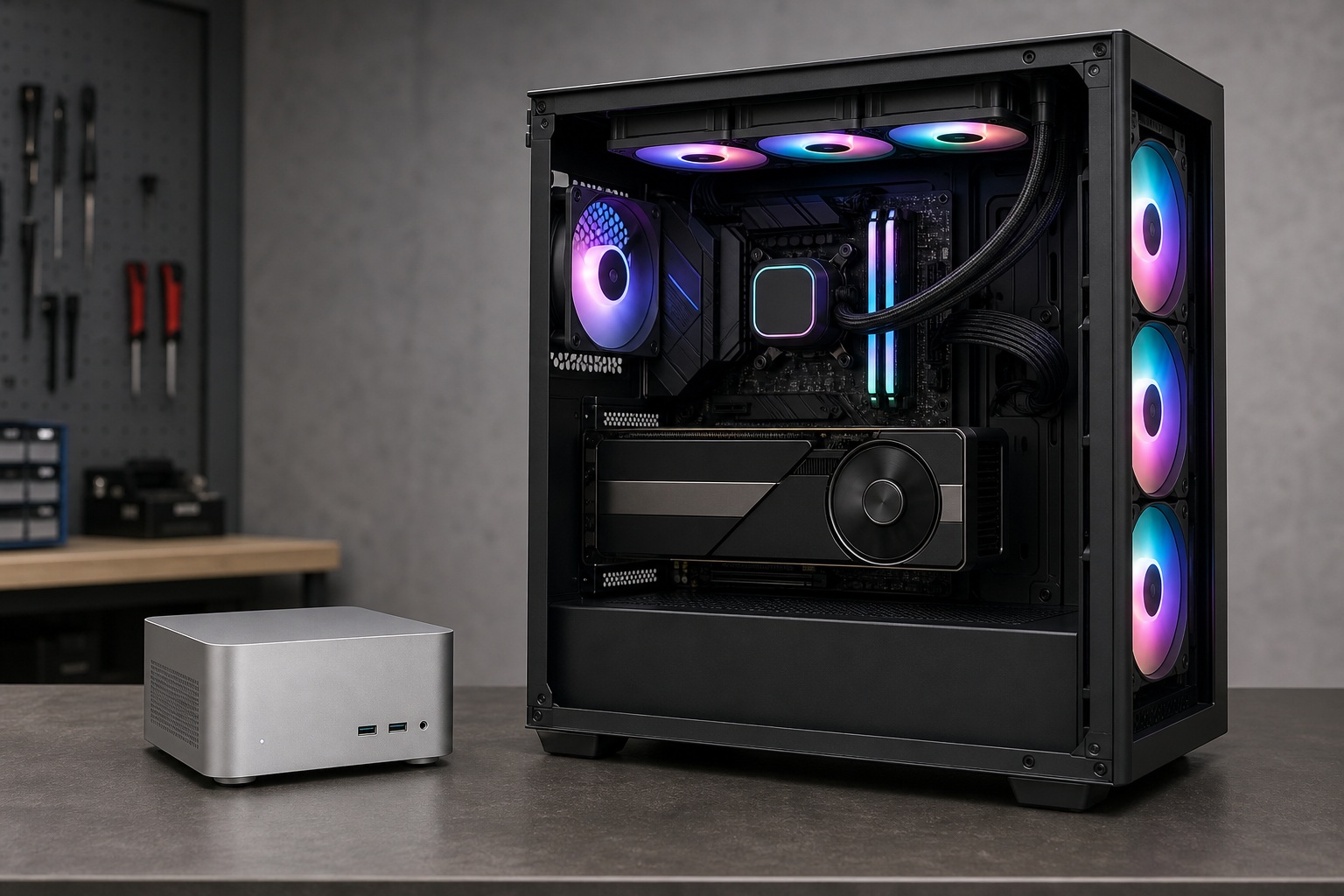
Strix Halo mini PC vs desktop GPU isn't one fight: it's two, and each one crowns a different winner. For gaming frames per dollar, a desktop tower with a dedicated card wins outright. The Radeon 890M inside a Ryzen AI Max+ 395 lands in desktop RTX 3060–to–RTX 4060 / RX 7600 territory, but a real card gives you more frames, far better ray tracing, and an upgrade path. The mini PC's real trick is its shared memory pool, up to 128GB, which lets it load 70B-plus AI models a consumer card physically can't fit, inside a 1-liter box that pulls just 100–180W from the wall.
Short version: buy the tower to game. Buy the tiny box to run large local models quietly, or when footprint and power draw beat frame rates on your priority list. Everything below explains why those two answers point in opposite directions.
Two Machines, Side by Side
Here's the whole comparison in one table before we get into the weeds. These are whole-system numbers for the mini PC, not a bare chip against a bare card.
| Approach | Best gaming tier | Runs 70B+ local AI | System power (wall) | Size | Upgradeable | Rough price |
|---|---|---|---|---|---|---|
| Strix Halo mini PC (Ryzen AI Max+ 395) | Strong 1080p, 1440p with FSR | Yes (64/128GB configs) | ~100–180W | ~1–3L | No (storage only) | ~$1,500–$4,000+ |
| Desktop, mid-range GPU (RTX 4060 / RX 7600) | 1080p–1440p, better ray tracing | No: 8GB VRAM | ~300–500W | 20–40L | Yes | Usually cheaper per frame |
| Desktop, high-end GPU (RTX 4090 class) | 4K high-refresh, ray tracing | No: 24GB caps near 30B | ~500–800W | 20–40L+ | Yes | Card alone $1,600+ |
What a Strix Halo Mini PC Actually Is
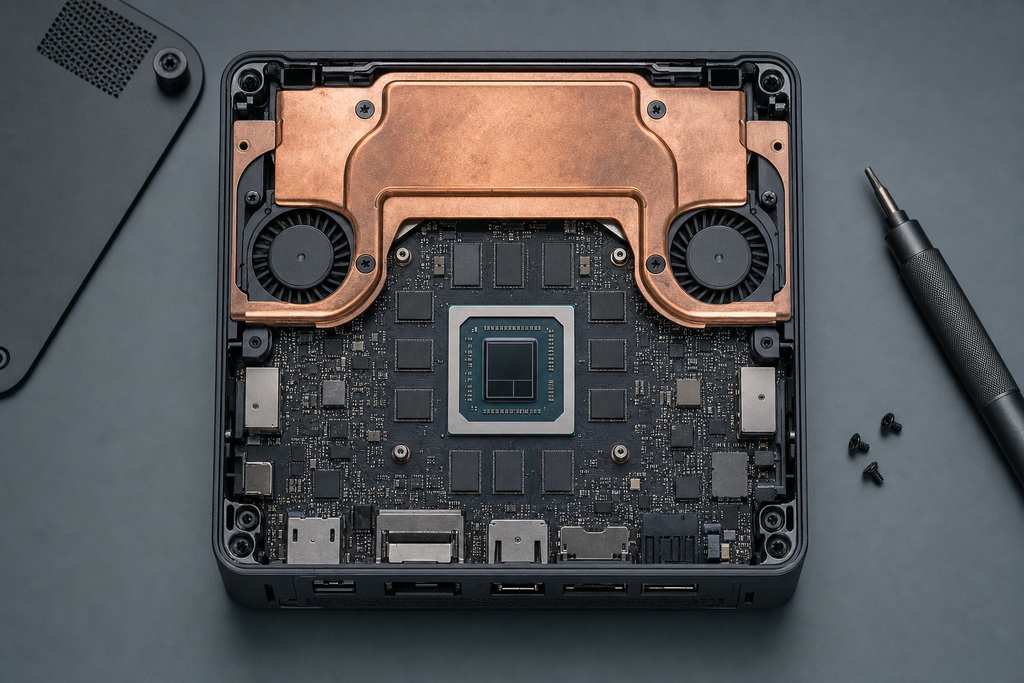
Strix Halo is AMD's codename for the Ryzen AI Max and Ryzen AI Max+ 300-series APU. It's a single chip that fuses a 16-core CPU, a big integrated GPU, and an AI accelerator, all fed from one shared memory pool. The flagship is the Ryzen AI Max+ 395.
| Spec | Ryzen AI Max+ 395 |
|---|---|
| CPU | 16 Zen 5 cores / 32 threads |
| GPU | Radeon 890M, 40 RDNA 3.5 compute units |
| NPU | ~50 TOPS (XDNA 2) |
| Memory | Up to 128GB unified LPDDR5X-8000 |
| Memory bandwidth | ~256 GB/s (boxes with LPDDR5X-8533 quote ~273 GB/s) |
| Memory bus | 256-bit |
| GPU-allocatable memory | Up to ~96GB of the shared pool |
| Configurable TDP | 55–120W (a few vendors claim up to ~140W) |
| Last-level cache | One source cites 256MB MALL/L4; unconfirmed elsewhere |
That single pool is the whole story. It's why this chip trails a same-priced graphics card in games, yet does something no consumer card can: hold a model too big for 24GB of VRAM. Keep that dual nature in mind, because it explains every result below.
Performance Comparison: Strix Halo vs. Desktop GPUs
The next sections break performance into three arenas: rasterized gaming, ray tracing and upscaling, and local AI inference.
Gaming: the 890M vs Entry-to-Mid Desktop Cards
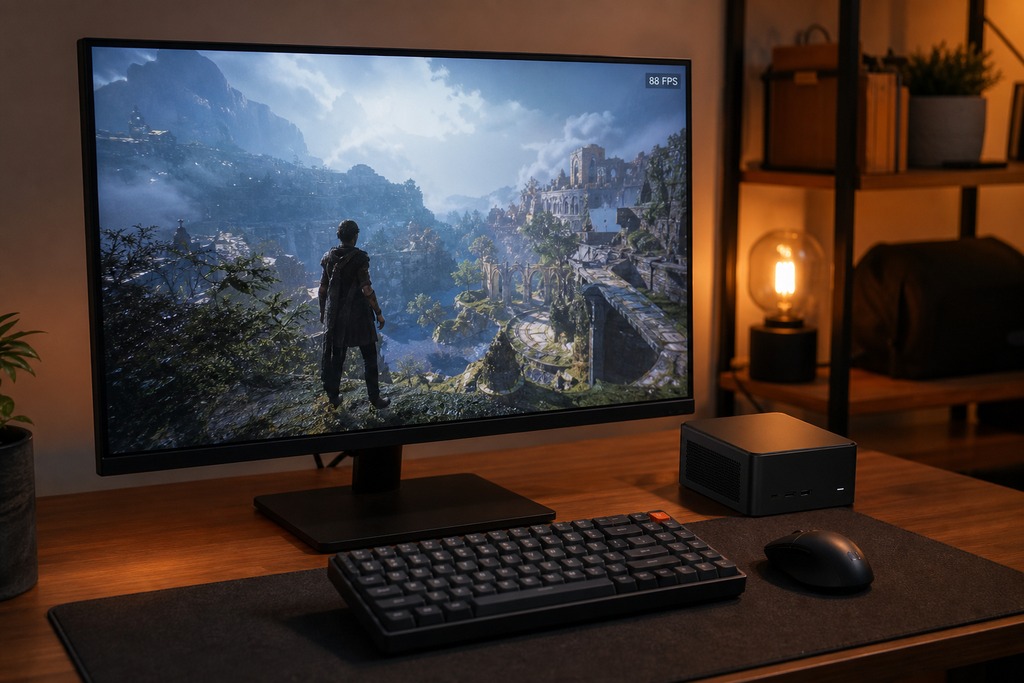
For raw gaming, a desktop card wins on frames per dollar. The Radeon 890M plays like a strong 1080p chip and a workable 1440p one: roughly desktop RTX 3060 to RTX 4060 / RX 7600 class. For one concrete anchor: a Ryzen AI Max+ 395 Framework Desktop hit 87 FPS at 1080p, highest settings, in Shadow of the Tomb Raider (Tom's Hardware). That's genuinely good for integrated graphics, but it's not a high-refresh 4K machine.
The tier ladder in plain words: strong at 1080p high, workable at 1440p with FSR, 4K only for lighter titles. It trades blows with an RTX 4060 and an RX 7600, and falls clearly behind an RTX 4060 Ti, RX 7700 XT, and anything RTX 4070 and up.
| Dimension | Strix Halo (Radeon 890M) | RTX 4060 desktop | RX 7600 desktop |
|---|---|---|---|
| GPU cores | 40 RDNA 3.5 CU | 3,072 CUDA cores (24 SM) | 32 RDNA 3 CU |
| Graphics memory | Shared, up to 128GB system-wide | 8GB GDDR6 | 8GB GDDR6 |
| Memory bandwidth | ~256 GB/s | 272 GB/s | 288 GB/s |
| Board/GPU power | 55–75W (GPU portion) | 115W card | 165W card |
| Positioning | Strong 1080p, workable 1440p | Matches or edges the 890M | Trades blows with the 890M |
TechPowerUp's database lists the RTX 4060 at 272 GB/s. One roundup pegs the RX 7600 at 432 GB/s: that's actually RX 7700 XT territory; the 7600's real figure is 288 GB/s, and that's what this comparison uses.
Two things swing the result hard. Configured power is the big one: a well-cooled 120W box is materially faster than a conservative 55–80W unit, so identical chips post very different frame rates depending on the chassis. Cooling matters as much as the number on the spec sheet. These figures are as of mid-2026, and some early or leaked numbers still disagree, so treat the tier as a range, not a settled score.
Ray Tracing and Frame Generation
This one's a clear loss for the mini PC, not a close call. Ray-traced performance loses even to a desktop RTX 4060, and FSR 3.1 with AFMF trails DLSS 3 on both image quality and latency.
| Capability | Strix Halo (FSR 3.1 / AFMF) | Desktop NVIDIA (DLSS 3 / frame gen) |
|---|---|---|
| Ray tracing | Functional but weak; loses to a desktop RTX 4060 | Much stronger; dedicated RT cores |
| Upscaling | FSR 3.1, open-source, lower image quality | DLSS 3.5, sharper and more stable |
| Frame generation | AFMF, higher latency | Optical-flow frame gen, better latency |
FSR and AFMF run fine on the APU and are worth turning on. They just don't match NVIDIA's dedicated hardware for reconstruction sharpness or input lag. If ray tracing or frame-gen image quality tops your list, this chip is the wrong buy.
How the Shared Memory Cuts Both Ways
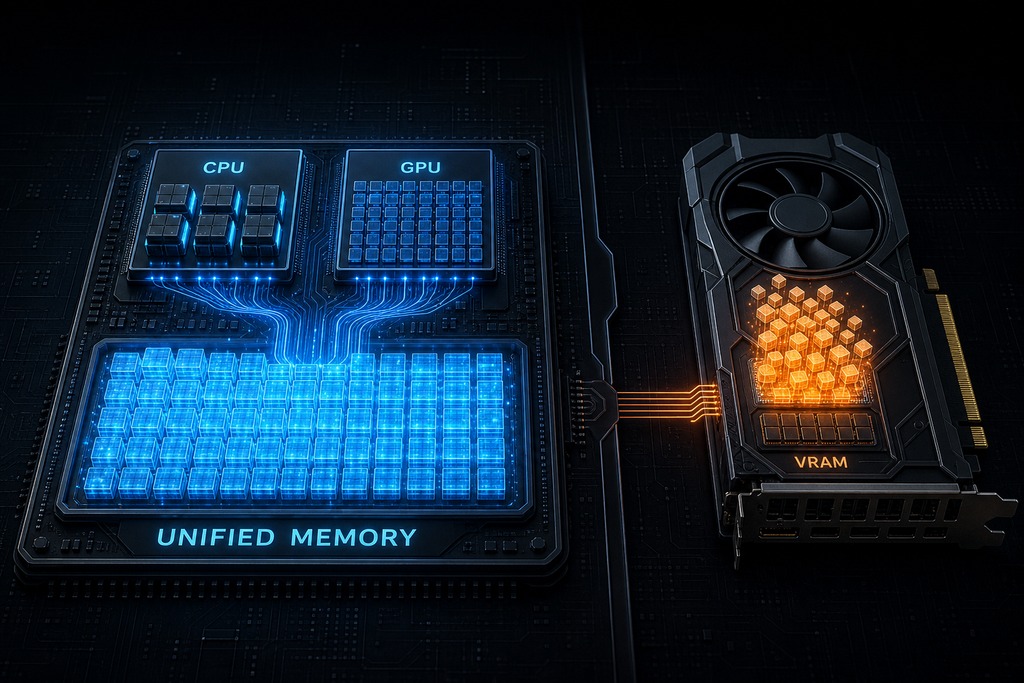
The unified pool is one bucket of LPDDR5X that the CPU and GPU both drink from: and that single fact explains both the gaming caveat and the AI win. Under a heavy combined load, the GPU fights the CPU for the same ~256 GB/s of bandwidth and can't hold its clocks the way a discrete card does with its own private GDDR6. That's part of why a same-tier desktop card pulls ahead the longer a session runs.
Flip it around and the same design becomes the selling point. Because there's one pool, you can hand the GPU up to ~96GB of it. No consumer graphics card ships with that much memory. One source credits a 256MB last-level cache (MALL/L4) with softening the latency penalty; other spec sheets don't confirm it, so treat that number as unverified. Keep the distinction straight: capacity decides what you can load, bandwidth decides how fast it runs: and Strix Halo's bandwidth is low.
The Real Edge: Running Big Local AI Models
Running very large local models is the one thing a Strix Halo mini PC does that a $1,600 graphics card cannot. A 128GB config allocates roughly 96–110GB to the GPU: enough to load a 70B-parameter model quantized to 4-bit. An RTX 4090's 24GB and an RTX 4060's 8GB simply can't hold it, so the load fails.
| Metric | Strix Halo (128GB) | RTX 4090 | RTX 4060 |
|---|---|---|---|
| Usable memory for AI | ~96–110GB | 24GB | 8GB |
| Memory bandwidth | ~256 GB/s | ~1,008 GB/s | 272 GB/s |
| Run a 70B model (quantized)? | Yes | No, won't fit | No, won't fit |
| Relative token speed | Runs, but slow: single-digit to low-double-digit tokens/sec | ~3–6× faster on models that fit both | N/A |
| Cost context | ~$2,000 whole PC | $1,600+ card only | ~$300 card only |
Two limits keep this honest. First, bandwidth. Token generation is bound by memory bandwidth, and ~256 GB/s is a quarter of a 4090's ~1,008 GB/s. On any model that already fits in 24–32GB, the desktop GPU runs it 3–6× faster per token: the mini PC only wins when the model won't fit at all. Second, this is inference, not training. Training tooling (plus Stable Diffusion, Blender OptiX, and most of PyTorch's fast path) still favors CUDA. AMD's ROCm and Vulkan back-ends work, but verify support for your exact app and OS before buying. The NPU's ~50 TOPS isn't a substitute either, because most desktop LLM tools run on the GPU, not the NPU.
Power, Size, Noise, and Upgradability
Compare whole systems, not a chip against a bare card. A Strix Halo mini PC pulls ~100–180W from the wall for the entire computer; a tower with an RTX 4060 draws 300–500W, and a 4090-class build 500–800W.
| Factor | Strix Halo mini PC | Mid-range desktop GPU build | High-end desktop GPU build |
|---|---|---|---|
| Total system power (wall) | ~100–180W | 300–500W | 500–800W |
| Volume | ~1–3L | 20–40L | 20–40L+ |
| Noise under load | ~40–50 dB | Moderate | Loud |
| Portability | Easily moved | No | No |
| Upgradability | None (storage only) | Swap GPU/CPU/RAM | Swap GPU/CPU/RAM |
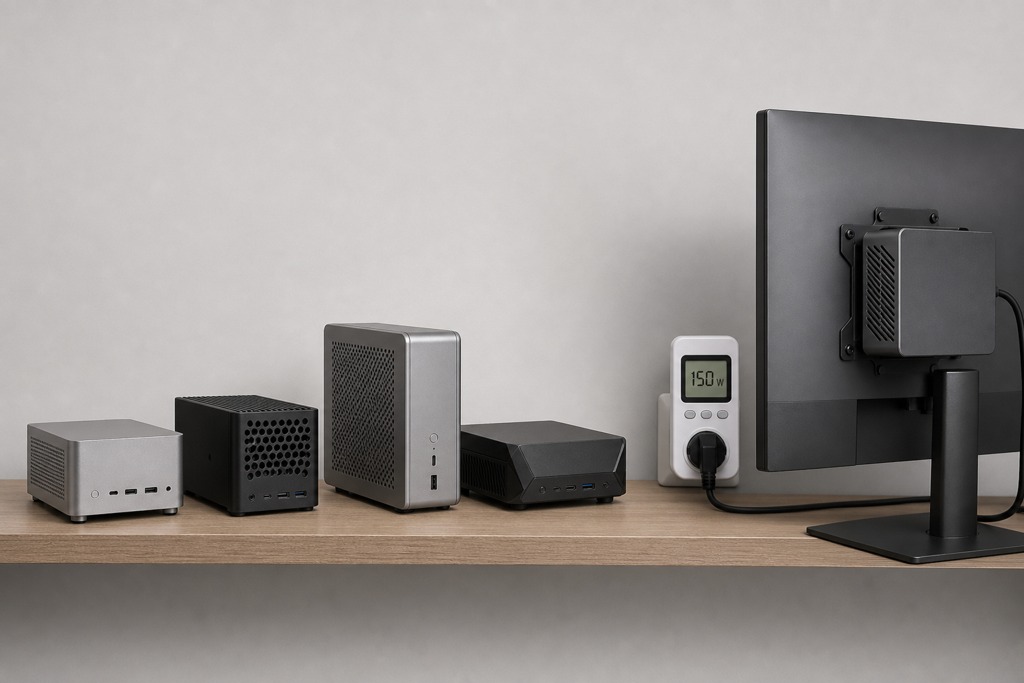
The mini PC fits in 1–3 liters, mounts behind a monitor, and runs at roughly 40–50 dB under load: audible but not loud. The catch is permanence: CPU, GPU, and LPDDR5X are all soldered. You pick 32, 64, or 128GB at checkout and live with it forever. Only storage is user-serviceable.
Price and Value
You pay a premium for the integration, not for gaming value. Max+ 395 systems with 128GB run roughly $1,500 to $4,000+, with RAM, storage, and chassis driving the spread: Minisforum's workstation-class MS-S1 Max sits well above ordinary gaming-PC pricing.
For the same outlay, a tower typically buys a faster discrete card, replaceable DIMMs, more drive bays, and a GPU you can swap in three years. What it can't buy is the 1-liter footprint or the sub-180W draw. That's the trade you're paying for: small, quiet, and unified memory, not more frames per dollar.
Strix Halo Mini PCs You Can Actually Buy
Every shipping Max+ 395 machine tops out at 128GB. Configuration, RAM and storage, is what moves the price across the $1,500–$4,000+ range.
| Brand | Model | Max RAM |
|---|---|---|
| Framework | Desktop | 128GB |
| HP | Z2 Mini G1a | 128GB |
| Lenovo | ThinkStation P3 Ultra | 128GB |
| Beelink | GTR9 Pro | 128GB |
| GMKtec | EVO-X2 | 128GB |
| Acemagic | F3A | 128GB |
| Minisforum | MS-S1 Max | 128GB |
The Strix Halo Mini PC: Pros, Cons, Verdict
A complete 16-core workstation with mid-range integrated graphics and up to 128GB of unified memory, packed into a box smaller than a shoebox. Its reason to exist is the memory pool, not the frame counter.
Pros
- Runs 70B+ local models an 8–24GB card can't fit
- ~1–3L footprint, 40–50 dB, ~100–180W whole-system draw
- Strong 16-core Zen 5 CPU included, not just a GPU
- Strong 1080p and workable 1440p gaming
Cons
- Loses to a same-tier desktop card in sustained play
- Nothing is upgradeable: CPU, GPU, and RAM are soldered
- Weak ray tracing; FSR 3.1 and AFMF trail DLSS 3
- ~256 GB/s bandwidth makes large models slow per token
- Integration premium over an equivalent tower
Verdict: Best for someone who wants a quiet, tiny all-in-one that runs large local AI models: with 1080p gaming as a bonus, not the point.
The Desktop GPU Build: Pros, Cons, Verdict
A tower with a dedicated card is the frames-per-dollar and ray-tracing winner, and the only path with a real upgrade future.
Pros
- More frames per dollar at every tier
- Far better ray tracing, DLSS, and frame generation
- 3–6× faster on any model that fits in VRAM
- Swap GPU, CPU, or RAM later
- Full CUDA and training compatibility
Cons
- 20–40L and 300–800W under load
- Louder than a mini PC
- Can't fit 70B+ models on a consumer card (24GB caps near 30B)
- No sub-2L, sub-180W option
Verdict: Best for gamers chasing high FPS, 4K, or ray tracing, and for AI work that fits in 24GB or depends on CUDA.
Who Should NOT Buy a Strix Halo Mini PC
- Your top priority is gaming frames per dollar: a tower is cheaper and faster, full stop.
- You want 4K, high-refresh, or ray-traced gaming: it can't reach RTX 4070-and-up class.
- You expect to upgrade the GPU or add RAM later: everything is soldered.
- You do CUDA or training work: DLSS, OptiX, Stable Diffusion, and most training favor NVIDIA.
- You only run models that already fit in 8–24GB: a desktop GPU runs them 3–6× faster.
- You're eyeing a 32GB config for the AI edge: you forfeit it; the trick needs 64GB or 128GB.
Which Should You Choose
| If your priority is… | Better choice |
|---|---|
| High-FPS, 4K, or ray-traced gaming | Desktop GPU |
| Best gaming value per dollar | Desktop GPU |
| Fast inference on models that fit in 24–32GB | Desktop GPU |
| CUDA or training workloads | Desktop GPU |
| Upgrading the GPU later | Desktop GPU |
| Running very large LLMs (70B+) locally on a budget | Strix Halo |
| Smallest, quietest, lowest-power all-in-one | Strix Halo |
| A single box that's also a 16-core CPU workstation | Strix Halo |
| Casual 1080p / light 1440p gaming in a tiny footprint | Strix Halo |
FAQ
Can a Strix Halo mini PC replace a gaming desktop?
For 1080p and light 1440p, yes: the Radeon 890M plays like a desktop RTX 3060 to RTX 4060. For 4K, high-refresh, or ray tracing, no; a tower with a dedicated card is faster and cheaper per frame.
Is the Radeon 890M as fast as an RTX 4060?
Roughly, in rasterized games. It trades blows with an RTX 4060 and an RX 7600 at 1080p: a Framework Desktop hit 87 FPS in Shadow of the Tomb Raider at 1080p highest. It falls behind in ray tracing and in sustained sessions, where a discrete card holds its clocks better.
Can Strix Halo run a 70B LLM?
Yes, on a 64GB or 128GB config. A 128GB unit allocates roughly 96–110GB to the GPU, enough for a 70B model quantized to 4-bit — something a 24GB RTX 4090 can't fit. Expect single-digit to low-double-digit tokens per second, because the ~256 GB/s bandwidth is low.
Can you upgrade a Strix Halo mini PC's GPU or RAM?
No. The CPU, GPU, and LPDDR5X memory are all soldered. You choose 32, 64, or 128GB at purchase and can never change it — only storage is user-serviceable. If a future GPU swap matters, buy a tower.
Does Strix Halo support DLSS?
No. DLSS is NVIDIA-only. Strix Halo uses AMD's FSR 3.1 and AFMF frame generation, which are open and run on the APU but generally give lower image quality and weaker latency reduction than DLSS 3.
How much power does a Strix Halo mini PC use?
Around 100–180W from the wall for the entire system under load, versus 300–500W for a mid-range GPU tower and 500–800W for a high-end one. That whole-system figure is the fair comparison — don't stack it against a graphics card's TDP alone.
References
- AMD — Ryzen AI Max+ 395 processor specifications (amd.com)
- AMD — Radeon RX 7600 graphics specifications (amd.com)
- Tom's Hardware — Framework Desktop review (Ryzen AI Max+ 395 gaming results)
- TechPowerUp — GPU specification database (RTX 4060, RX 7600, RTX 4090)
- Minisforum — MS-S1 Max mini PC product listing (store.minisforum.com)
Sources
See our editorial policy for how sources and updates are handled.