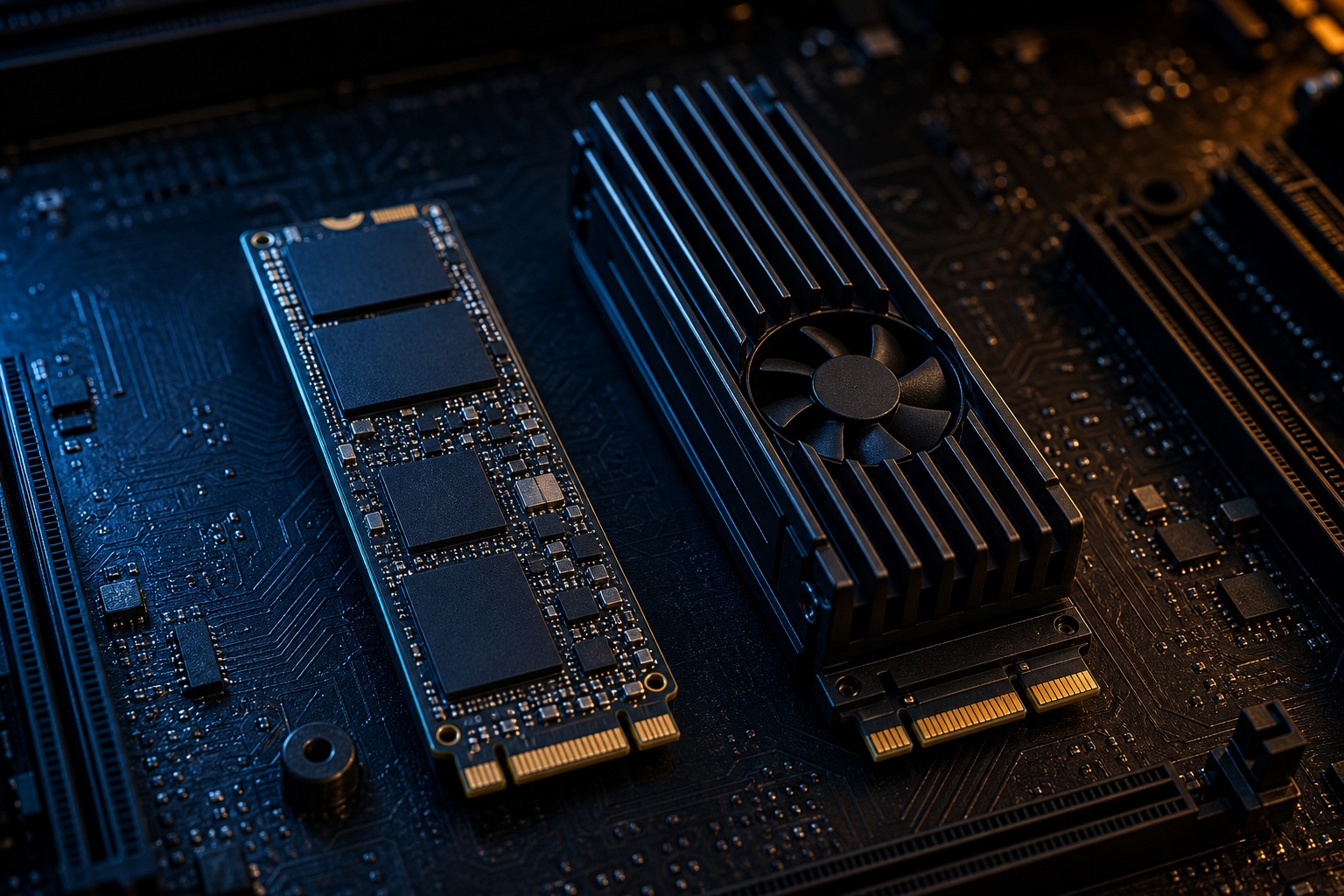
You're eyeing that 14,000 MB/s sticker and wondering if it'll load your games faster. It won't: not enough to feel. For a gaming-only build in 2026, a PCIe 5.0 SSD isn't worth the extra cash. A good PCIe 4.0 NVMe drive loads games within a fraction of a second of the fastest Gen 5 drive, costs roughly half as much, runs far cooler, and fits far more motherboards. For pure gaming, spend the difference on a bigger drive, more RAM, or a better GPU.
The clean answer lives in the number on the box. That giant "14,000 MB/s" figure is a sequential read speed: the rate for streaming one huge continuous file. Games don't load that way. They pull thousands of tiny, scattered files, and on that workload a top Gen 5 drive is barely ahead of a top Gen 4 drive.
One fork is worth naming up front: "worth it for gaming" and "worth it for your PC" are different questions. If the same machine also edits 4K/8K video, renders 3D scenes, or shuffles hundreds of gigabytes a day, Gen 5's bandwidth earns its price. For gaming alone, it doesn't.
Is a PCIe 5.0 SSD Worth It for Gaming?
No: for a gaming-only rig, a PCIe 4.0 NVMe SSD is the smarter buy, and the in-game gap is close to zero. PCIe 5.0 is the current fast-storage interface on AMD X670E/B650E and Intel 600/700-series boards; it roughly doubles PCIe 4.0's bandwidth, from about 8 GB/s across four lanes to about 16 GB/s. That doubling is real on a benchmark and useful for creative work. In a game it mostly sits unused, because the drive stops being the slowest link long before that bandwidth matters.
The premium buys you a bigger box number, a bigger heatsink, and a bigger receipt. It does not buy faster frame rates, and it buys only a sliver of loading time. That's the whole case, and the numbers below back every piece of it.
PCIe 3.0 vs 4.0 vs 5.0: The Paper Speeds
Sequential speeds triple from Gen 3 to Gen 5, but the number games actually lean on, random 4K read, barely moves. That single mismatch explains why the fastest drive on paper isn't the fastest drive in a game.
| Interface | Peak Sequential Read | Peak Sequential Write | Random 4K Read | Gaming Verdict |
|---|---|---|---|---|
| PCIe 3.0 NVMe | ~3,500 MB/s | ~3,000 MB/s | ~60–90 MB/s | Fine |
| PCIe 4.0 NVMe | ~7,000–7,500 MB/s | ~5,500 MB/s | ~80–100 MB/s | Ideal |
| PCIe 5.0 NVMe | ~10,000–14,900 MB/s | ~10,000–12,000 MB/s | Marginally higher | Overkill |
Read the last two columns together. Sequential read doubles from Gen 4 to Gen 5. Random 4K read (the small, scattered reads a game engine actually issues) is nearly identical, hovering around 80–100 MB/s on high-end drives of both generations. You pay double the price for the column that games ignore.
Why the Sequential Number Doesn't Move Games
Games are random-read bound, not sequential-read bound, so the headline speed is the wrong metric to shop on. Loading a level means fetching thousands of small assets (textures, meshes, audio clips, scripts) scattered across the drive. That's a random 4K workload, exactly the column where Gen 5's lead nearly vanishes.
Even that read is rarely the bottleneck. Before a frame renders, the CPU has to decompress those assets, the engine has to build the scene, shaders have to compile, and data has to land in system RAM and VRAM. Those steps gate loading well before the drive's bandwidth does. Feed the pipeline 14,000 MB/s instead of 7,000 MB/s and the CPU decompression stage still runs at the same speed: so the loading screen barely changes. Faster storage can't rush work that isn't waiting on storage.
This is also why drive speed never touches FPS. Once a level is loaded and streaming steadily, the GPU and CPU set your frame rate. A quicker drive can shave a loading screen; it can't add a single frame per second.
What Real Testing Shows
Independent load-time testing puts the Gen 4-to-Gen 5 gap between fractions of a second and about one second: frequently inside the margin of error. Gamers Nexus, Tom's Hardware, TechPowerUp, and Hardware Unboxed have all landed in the same place: swap a top Gen 4 drive for a top Gen 5 drive and most games load 0.1 to 0.5 seconds faster, some no faster at all, and none run at a higher frame rate.
TechSpot's multi-generation comparison drives the point home: moving from PCIe 3.0 to 4.0 to 5.0 often produces no measurable in-game benefit whatsoever. The one storage upgrade that genuinely transforms load times is going from a mechanical hard drive to any decent SSD: a jump measured in tens of seconds. After that, the returns collapse. Gen 4 to Gen 5 is a rounding error you'll never notice mid-session.

The DirectStorage Question
DirectStorage doesn't require PCIe 5.0, and it doesn't rescue the Gen 5 upgrade case. Microsoft's stated hardware requirement is an NVMe SSD plus a DirectX 12 GPU: a bar that Gen 4, and even a Gen 3 NVMe drive, clears comfortably. Owning a fast NVMe SSD is not the same as needing PCIe 5.0.
Adoption is still thin. Only a handful of PC titles use the API meaningfully, with Forspoken and Ratchet & Clank: Rift Apart as the usual reference points. In those games, the interesting stage is GPU decompression via GDeflate: assets stream to the graphics card and decompress there. That GPU stage becomes the limiter, so the Gen 4-versus-Gen 5 gap stays small even where DirectStorage is doing its job. Current titles don't saturate a Gen 4 drive, let alone a Gen 5 one.
Could this flip years out if engines lean hard on GPU streaming? Possibly. Nothing in today's shipping games shows it. Buying Gen 5 now to insure against a future that hasn't arrived is paying a heavy premium for a maybe.
Gen 4 vs Gen 5: The Real-World Trade-off
Line the two up on the factors that actually decide the purchase, and Gen 4 wins every row that matters to a gamer.
| Factor | PCIe 4.0 | PCIe 5.0 |
|---|---|---|
| Typical game load-time gain | Baseline | 0.1–1s faster, often within margin of error |
| FPS impact | None | None |
| Random 4K read | ~80–100 MB/s | Marginally higher |
| Typical 2TB price | ~$140–180 | ~$280–400+ (roughly 30–60% up to 2×–3× more) |
| Cooling needed | Standard motherboard heatsink | Large heatsink or active fan |
| Peak temps under load | Comfortable under 70°C | 70–80°C, throttles around 70–75°C |
| Power draw | Lower | Higher: matters in SFF/compact builds |
| Platform required | Any Gen 4 M.2 slot | Wired Gen 5 slot (Intel 600/700, AMD X670E/B650E), often shares GPU lanes |
Two rows deserve emphasis. Rated peak speed is not sustained speed: a Gen 5 drive on the Phison E26 controller runs hot enough to throttle around 70–75°C, and without a large heatsink or a fan it can drop below Gen 4, sometimes below Gen 3, during a long transfer. And owning a Gen 5 drive is not the same as running at Gen 5 speeds. Plug it into a Gen 4 slot and it caps at Gen 4, so the premium evaporates.
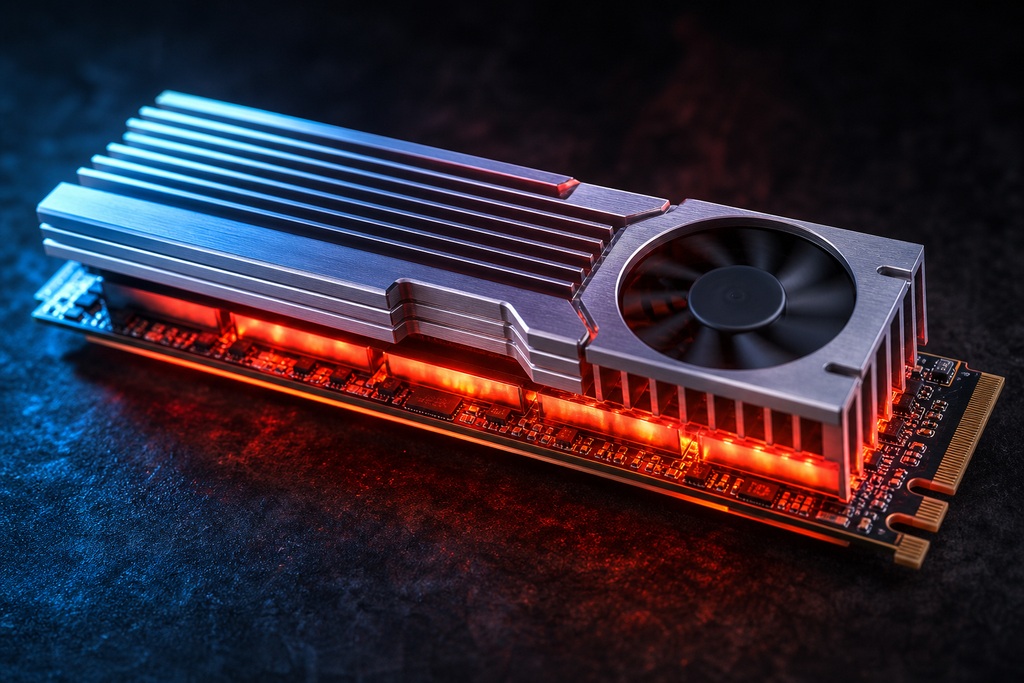
PCIe 4.0 NVMe: The Gaming Sweet Spot
A high-end Gen 4 drive is the right pick for essentially every gaming build. It hits 7,000–7,500 MB/s reads, stays cool under a standard motherboard heatsink, and meets DirectStorage's requirements in full: all for about half the price of a Gen 5 equivalent.
Pros
- ~7,000–7,500 MB/s reads; strong ~80–100 MB/s random 4K
- Cool and quiet on a standard mobo heatsink
- ~$140–180 per 2TB
- Works in nearly any modern AMD or Intel board
- Meets DirectStorage requirements today
Cons
- Not the benchmark leader
- Slower than Gen 5 on sustained multi-gigabyte transfers
Verdict: Best for the overwhelming majority of gamers: the default choice unless a creative workload says otherwise.
PCIe 5.0 NVMe: Fast on Paper, Hot in Practice
A Gen 5 drive owns the benchmark charts and delivers genuine time savings in creative and large-file work: but almost none of it reaches a game. It also runs hot, draws more power, and demands cooling and a specific slot to hit its rated numbers.
Pros
- 10,000–14,900 MB/s reads; real gains for video, 3D, and huge transfers
- Benchmark leader with bandwidth headroom
- Some future insurance if engines shift toward GPU streaming
Cons
- 2×–3× the price for near-zero gaming benefit
- Runs 70–80°C and throttles without a large heatsink or fan
- Higher power draw: awkward in compact builds
- Needs a wired Gen 5 M.2 slot, often sharing lanes with the GPU
Verdict: Best for creators and heavy file-movers who also game: not for a gaming-only rig.
PCIe 3.0 NVMe: Still Fine for Most Games
A solid Gen 3 NVMe drive still loads games well, trailing a Gen 5 flagship by only about 0.5 to 1 second. For a budget build or a secondary game drive, the gaming difference against Gen 4 is minor.
Pros
- Cheapest NVMe tier
- Cool and low-power
- Loads games within ~0.5–1s of far pricier drives
Cons
- ~3,500 MB/s ceiling
- Noticeably slower on large file copies
- Least headroom for future DirectStorage-heavy titles
Verdict: Best for tight budgets and extra library storage where every dollar counts.
When a Gen 5 Drive Actually Makes Sense
Gen 5 is a legitimate buy for people whose machine does more than play games. The bandwidth pays off when the workload is genuinely sequential and heavy:
- Heavy content creation: editing 4K/8K video timelines or rendering 3D scenes with multi-gigabyte assets.
- Frequent huge transfers: moving hundreds of gigabytes between fast drives on a regular basis.
- No-expense-spared builds: a maxed-out rig where the premium is trivial and you want the top spec.
- A shrinking price gap: when a comparable Gen 5 drive runs only about 10–15% more than the Gen 4, it becomes a shrug rather than a hard no.
Who Should Not Buy a PCIe 5.0 SSD
Skip Gen 5 if the machine mainly plays games. The premium delivers no FPS, a sub-second loading benefit, and a real cooling headache. Specifically, pass if you're:
- A gaming-only or esports builder: you'll pay 2×–3× for nothing you can feel.
- On a budget: that money buys a better GPU or double the capacity, both of which you'll actually notice.
- Building small form factor — the extra heat and power draw fight against a compact case.
- On a Gen 4-only board — the drive caps at Gen 4 speeds, so you paid for a badge.
- Averse to fan noise or heatsink bulk — many Gen 5 drives need one or both to avoid throttling.
What to Buy Instead
For a gaming build, buy a quality Gen 4 drive and put the savings elsewhere. The named drives below are the consensus picks; prices move, so check a live retail tracker before you buy.
| Category | Recommendation | Example Drives | Approx. 2TB Price |
|---|---|---|---|
| Best value | PCIe 4.0 NVMe | Samsung 990 Pro, WD Black SN850X, SK Hynix P41, Crucial T500 | ~$140–180 |
| Budget | PCIe 3.0 NVMe | A reputable TLC-based Gen 3 drive | Below Gen 4 |
| Only if you must | PCIe 5.0 NVMe | Crucial T700, Corsair MP700 / MP700 Pro, Samsung 990 EVO Plus | ~$280–400+ |
Prioritize a TLC-based drive with a solid warranty and strong real-world random-read results over the biggest advertised sequential number. That's the spec that sets your load times.
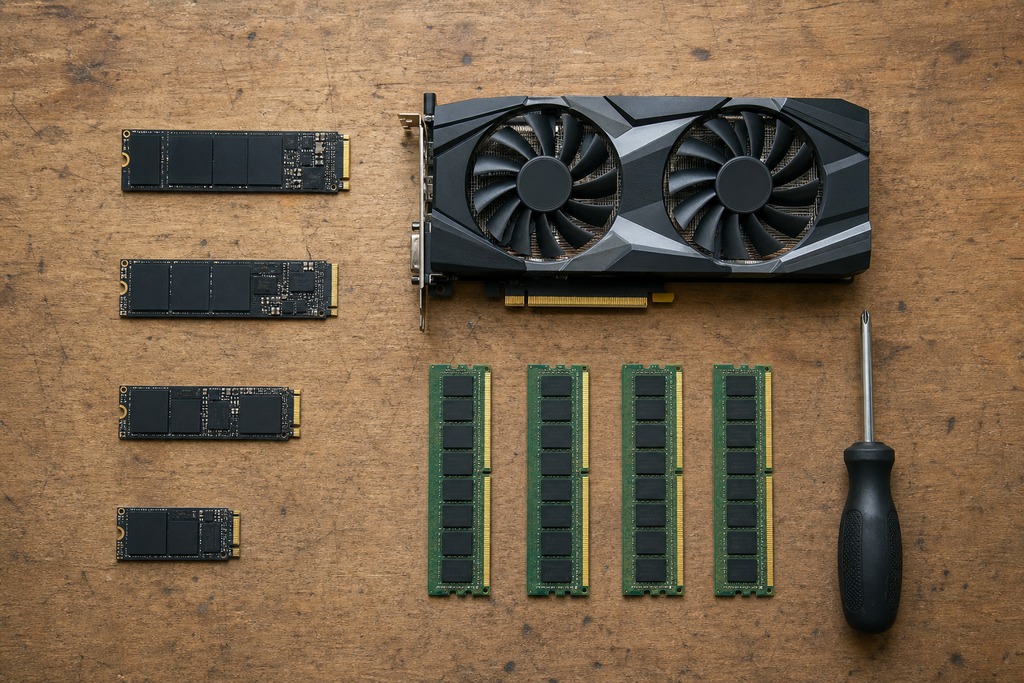
Spend the Savings Where It Counts
A 2TB Gen 4 drive beats a 1TB Gen 5 drive for anyone building a real game library. Modern titles routinely hit 100–200GB and up; a single 1TB drive fills in a handful of installs, and running low on space hurts your experience far more than an unmeasurable half-second on a loading screen does.
Do the swap in dollars. The $150 or more you save by choosing Gen 4 over Gen 5 goes toward a faster GPU, an extra RAM kit, or double the storage. Every one of those changes something you'll see on screen. A quicker loading screen you'd need a stopwatch to catch does not.
Are PCIe 5.0 SSDs Worth It for Gaming?
Short answer: No, not for gaming alone in 2026. No, a PCIe 5.0 SSD is currently not worth it purely for gaming. Answer one question before you spend a cent: is this machine only for games? If it is, pick a Gen 4 drive and stop there. If it also does serious creative work, judge Gen 5 on that job instead.
FAQ
Does a PCIe 5.0 SSD increase FPS?
No. Drive speed sets loading time, not frame rate. Once a level is streaming, your GPU and CPU decide FPS, and independent testing shows no meaningful frame-rate difference between Gen 4 and Gen 5 drives.
Do you need a PCIe 5.0 SSD for DirectStorage?
No. Microsoft lists an NVMe SSD and a DirectX 12 GPU as the requirements — a Gen 4, or even a Gen 3 NVMe drive, meets them. Current DirectStorage titles like Rift Apart don't saturate a Gen 4 drive.
Will a PCIe 5.0 SSD work in a PCIe 4.0 slot?
Yes, but it runs at Gen 4 speeds. Backward compatibility is fine, yet you lose the entire reason to pay the Gen 5 premium. Hitting rated speed needs a board with a wired Gen 5 M.2 slot.
Is 2TB PCIe 4.0 or 1TB PCIe 5.0 better for gaming?
The 2TB Gen 4 drive, for almost everyone. Games at 100–200GB fill a 1TB drive fast, and the extra capacity improves daily use far more than the sub-second load-time edge of a Gen 5 drive.
Do PCIe 5.0 SSDs really need a fan?
Many high-performance models do, or at least a large heatsink. Gen 5 controllers run 70–80°C under load and throttle around 70–75°C. Without adequate cooling, sustained speeds can fall below a Gen 4 or even a Gen 3 drive.
Is PCIe 4.0 fast enough for gaming in 2026?
Yes. A good Gen 4 NVMe drive at 7,000–7,500 MB/s loads games within a fraction of a second of the fastest Gen 5 drive, meets DirectStorage, and runs cool on a standard heatsink. It's the gaming sweet spot.
References
- Gamers Nexus — SSD game load-time and thermal testing
- Tom's Hardware — NVMe SSD reviews, Gen 5 thermals and throttling
- TechPowerUp — SSD specification and random 4K performance database
- Hardware Unboxed — game load-time benchmarks across drive generations
- TechSpot, "SSD Gaming Comparison: Load Times" — https://www.techspot.com/article/3023-ssd-gaming-comparison-load-times/
- Microsoft, Windows 11 Specifications (DirectStorage requirements) — https://www.microsoft.com/en-us/windows/windows-11-specifications
Sources
See our editorial policy for how sources and updates are handled.